Release notes · November 3, 2026
November 2026 release
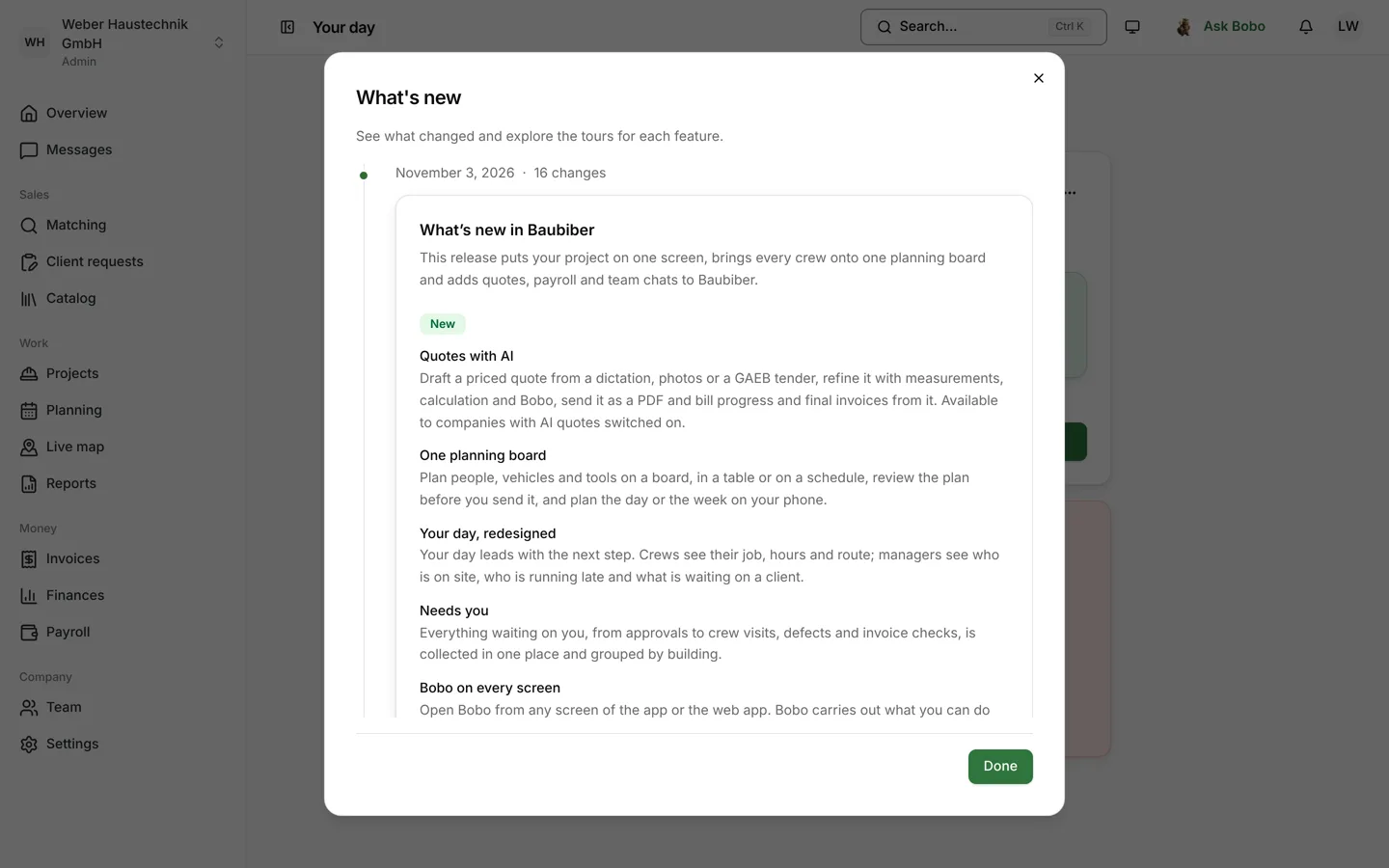
With the November release, companies plan, quote and invoice directly in Baubiber, and clients see their whole project on one screen.
At a glance
- Quotes with AI – from a dictation, photos or a GAEB tender to a finished PDF.
- One planning board – people, vehicles and tools for the day and the week.
- Your day – the next step for crews and project managers.
- The project on one screen – every room with its own card.
- Payroll – month-end close with a DATEV handover.
New
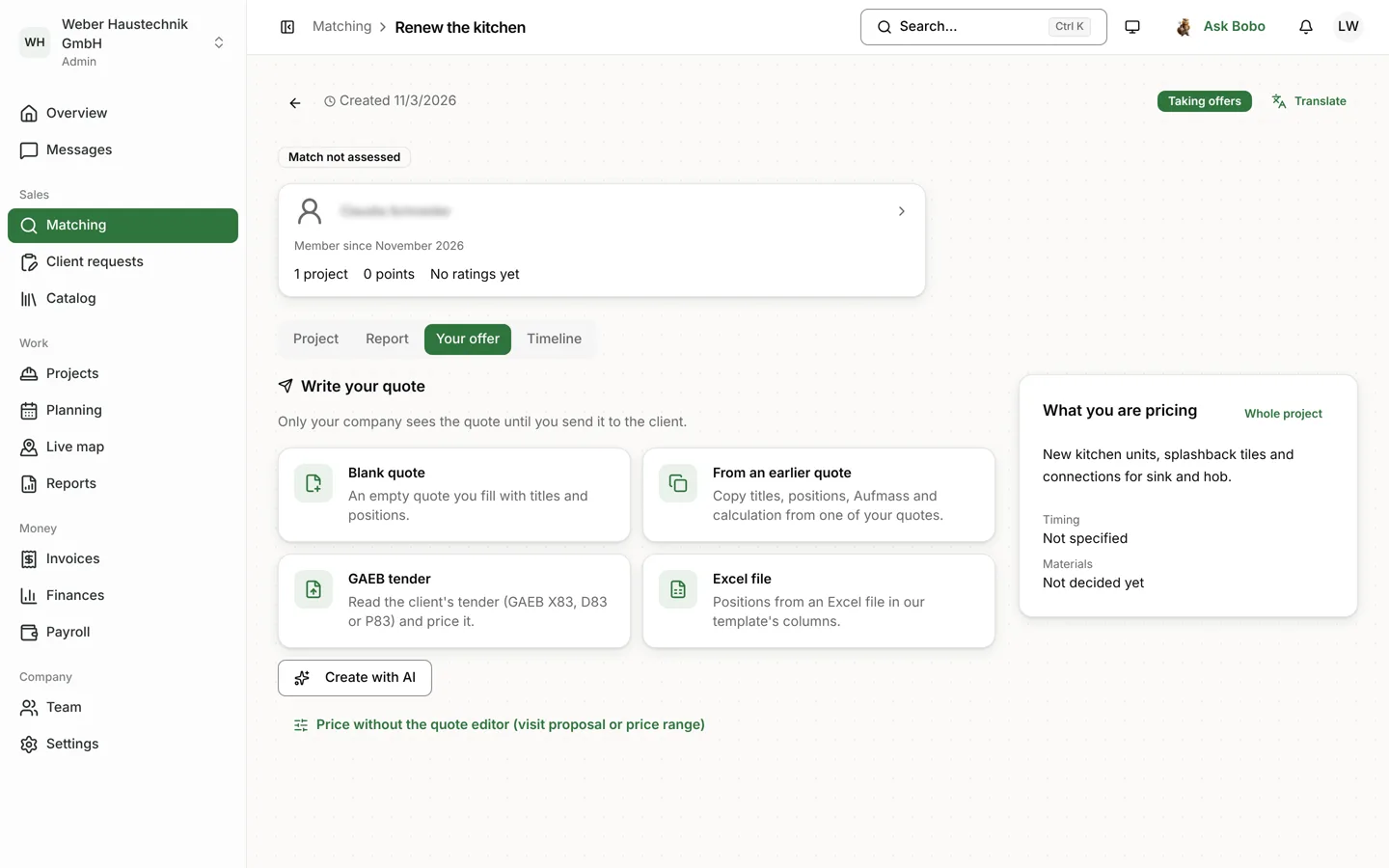
Quotes with AI
AI drafts a priced quote from a dictation, photos or a GAEB tender. You refine it with measurements, calculation and Bobo, send it as a PDF and bill progress and final invoices from it. For companies with AI quotes switched on.
One planning board
Plan people, vehicles and tools on the board, in a table or on a schedule. Review the plan before you send it; every crew member gets their briefing.
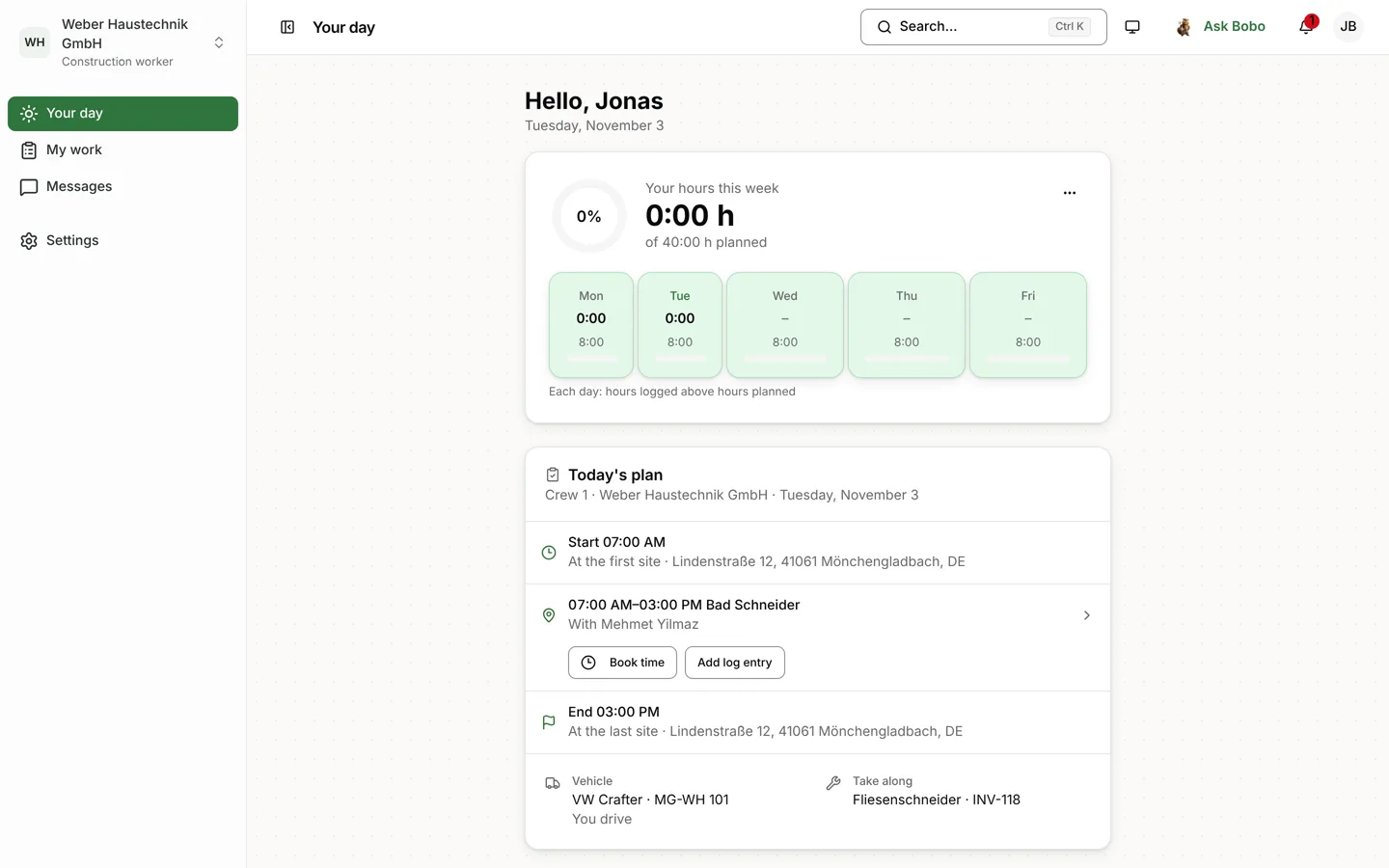
Your day
Crews see their job, hours and route. Project managers see who is on the way, who is running late and what is waiting on a client.
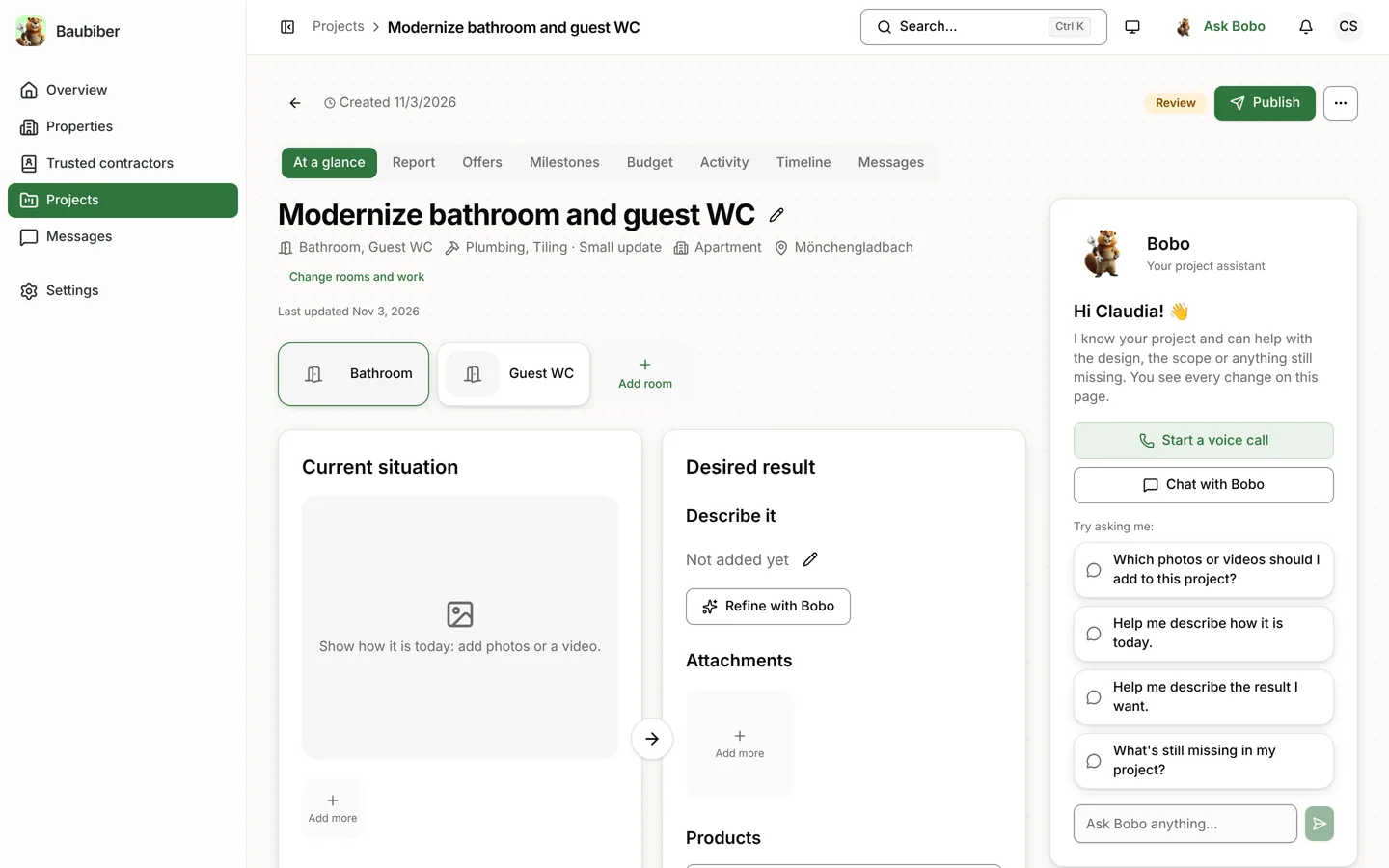
The project on one screen
A bar shows how ready a project is. Every room has its own card, and you edit each detail where you read it.
Payroll and time off
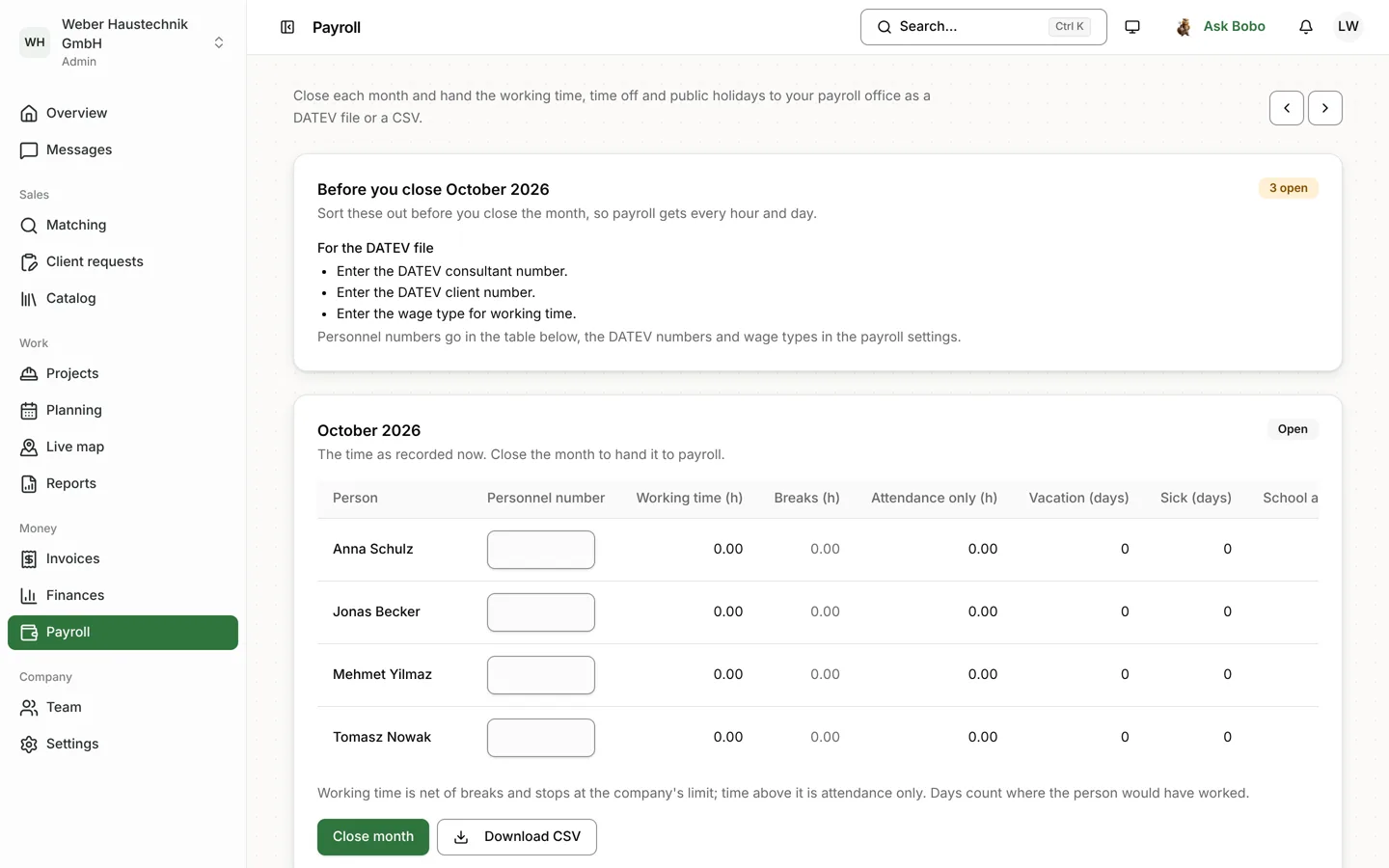
Time off and sick days go through the app. Admins close each month with guided checks and hand it over as a DATEV LODAS file or CSV.
Team and group chats
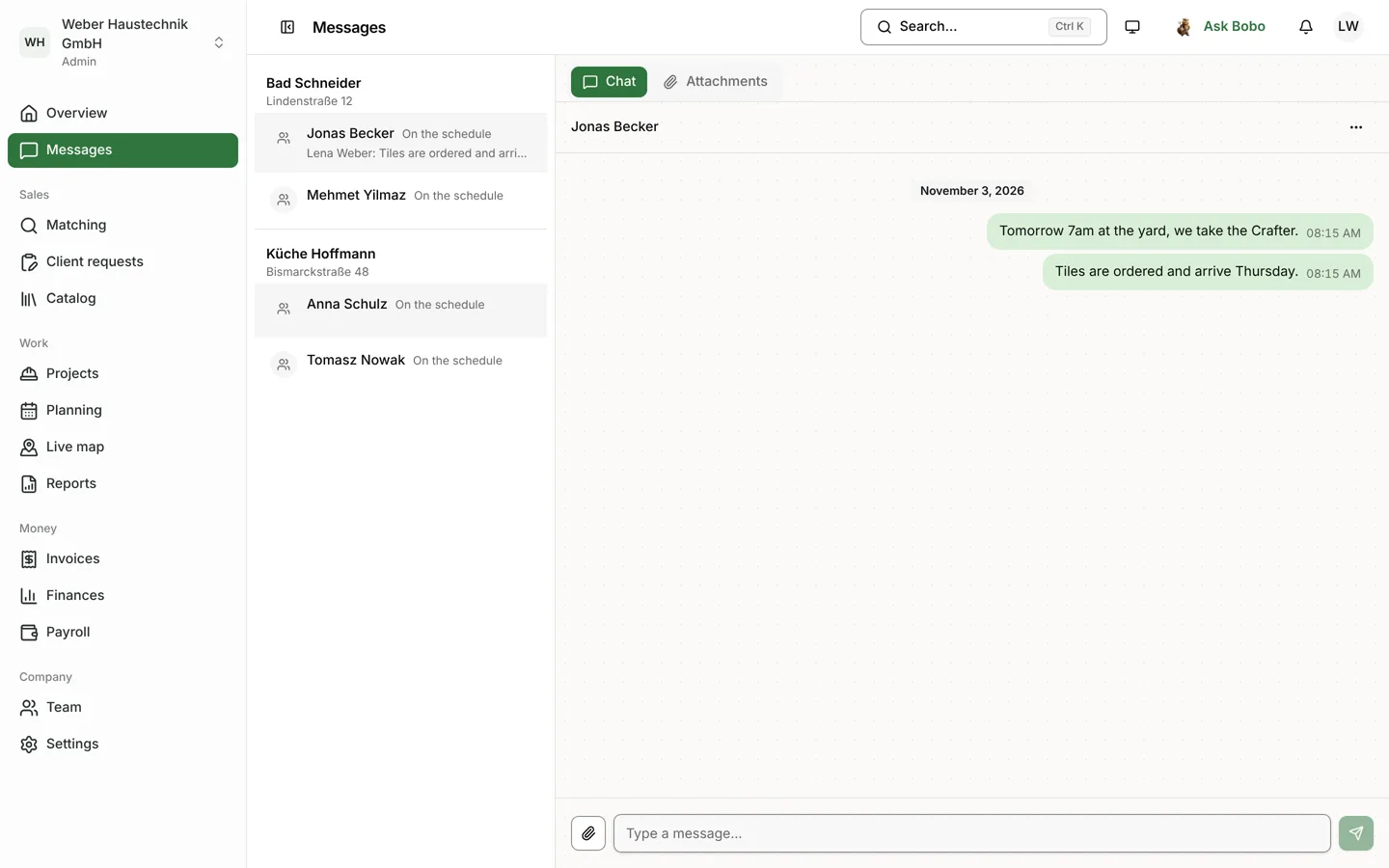
Each project has one Messages tab: the client conversation, a chat per crew, your own groups and direct messages between colleagues.
Also new
Bobo on every screen
Bobo does what you can do on that screen once you confirm.
Needs you
Approvals, visits, defects and invoice checks in one place, grouped by building.
E-invoices
XRechnung and ZUGFeRD straight from Baubiber, optionally over Peppol.
Business letters
Delivery notes, purchase orders and letters on your letterhead, with AI quotes.
Trusted contractors
Clients send their project straight to companies they know.
Reports and fleet
Excel work report with plan versus actual, vehicle tracking with PAJ GPS.
Joining your company
With a link you approve or your company’s email domain.
User manual
The manual for construction companies in the web app, also as a PDF.
Improvements and fixes
- Clients compare offers in one ranked list.
- Contractors propose a site visit with a price range or without a price.
- Add breaks when you stop work, correct bookings and resend them for approval.
- The iPhone widget and Live Activity show today’s planned jobs.
- Sign in to the app by scanning a QR code from the web app.
- Each company workspace shows only its own notifications.
- Uploaded photos are no longer turned sideways.
- On shared projects, each company sees only its own amounts.
Availability
The release is available to all customers. The web app updates automatically; the mobile app after a restart or update. Inside Baubiber, find the changes under Tours & What’s new.